-
Cetagory
Software & Applications
10 Best Free Software Applications That Are Surprisingly Powerful
- Admin
The best free software applications are not merely stripped-down previews of paid products. Many are mature tools that can support serious work in writing, design, video editing, 3D creation, office tasks, and personal security. The right choice depends on what you need to do, the devices you use, and how much time you are willing to spend learning a new workflow.
This guide covers ten capable free applications, explains their standout uses and limitations, and offers practical advice for choosing and installing them safely. “Free” can mean open-source, free for personal use, or available on a no-cost tier, so check each product’s current license and terms before relying on it for business or commercial work.
What Makes Free Software Surprisingly Powerful?
A capable free application can offer sophisticated features without requiring a purchase. Some projects are developed as open-source software, meaning their source code is available under a license that permits specified forms of use, study, modification, or redistribution. Others are proprietary products with a free plan or a no-cost version.
Price alone does not determine usefulness. Consider whether an app does your core tasks reliably, works on your devices, exports files in useful formats, and receives updates. An application with fewer features can be the better tool if it is easier to learn and fits your workflow.
Free, open-source, and freemium are not the same
Free software describes the price users pay, but the word does not always explain licensing or restrictions. Open-source software is governed by a license that defines how people may use and share its source code. Freemium software usually offers a free tier alongside paid plans, which may add capabilities, storage, support, or remove limits.
Read the current license and plan terms if you intend to use an app for paid client work, a team, or a business. Features and eligibility can change, and a no-cost personal plan may not cover every commercial use.
How to Choose the Right Free Application
Start with a task, not a product list. Identify what you need to create or manage, then test whether an application handles the essential steps from beginning to end: opening or importing files, editing them, and exporting or sharing the result.
- Check compatibility: Confirm that the application supports your operating system and device. Some tools are desktop-only, while others are browser-based or have mobile versions.
- Test file compatibility: Try opening a typical project and exporting it in the format you need. Complex files may not transfer perfectly between applications.
- Look for limits: Free plans may restrict storage, collaboration, export options, commercial use, or advanced features.
- Assess the learning curve: A powerful interface is only useful if you can learn it. Tutorials, documentation, and community support can make a substantial difference.
- Consider privacy and maintenance: Review permissions, account requirements, update history, and the vendor or project’s privacy information, especially for sensitive files.
10 Best Free Software Applications
The applications below serve different purposes, so they are not direct substitutes for one another. Availability, pricing, and feature limits can change; consult the official product pages for current details before installing or making a long-term decision.
1. LibreOffice: A capable desktop office suite
LibreOffice is a free, open-source office suite for tasks such as writing documents, building spreadsheets, and creating presentations. Its main applications cover word processing, spreadsheets, presentations, drawing, and database-related work. It is a strong option for people who want a desktop suite without a subscription.
It can open and save common office file formats, including formats used by Microsoft Office. However, compatibility is not always perfect. Documents with elaborate layouts, macros, specialized fonts, or advanced spreadsheet features may change when moved between suites. If you regularly exchange files with colleagues, test a representative document before switching.
Best for
Students, home users, nonprofits, and small teams that need familiar office tasks on a desktop. It can also be useful when working offline or when avoiding dependence on a particular cloud service is a priority.
What to keep in mind
Expect a different interface and occasional formatting adjustments when collaborating with people using another office suite. Save a copy of important files before converting them, and inspect exported documents on the software your recipients are likely to use.
2. GIMP: Detailed image editing without a subscription
GIMP, short for GNU Image Manipulation Program, is a free, open-source image editor. It supports tasks such as cropping, retouching, color adjustments, compositing, and working with layers. For users willing to learn its interface, it can handle much more than simple photo resizing.
GIMP is not identical to commercial image-editing products, and workflows may differ. People who depend on specific proprietary plugins, file features, or established team processes should check compatibility before making it their main editor. It is also worth distinguishing a general image editor from specialized tools for digital painting, photo management, or page layout.
Best for
People who need detailed image manipulation for personal projects, web graphics, or other work where its licensing and capabilities meet their requirements.
What to keep in mind
Layer-based editing can take practice, and complex projects should be saved in GIMP’s native project format before exporting a flattened image. Keep the original photo or artwork so you can return to it if an edit needs to change.
3. Blender: A full 3D creation toolkit
Blender is a free, open-source 3D creation application. Its tools cover modeling, sculpting, animation, rendering, compositing, and video editing. That breadth makes it useful for a wide range of projects, from learning 3D fundamentals to producing polished scenes and animations.
Its depth is also its main challenge. A new user may encounter many panels, modes, and concepts before completing a first project. A focused learning path—such as modeling one simple object, adding materials, and rendering a still image—is usually more manageable than trying to learn every feature at once.
Best for
Artists, students, hobbyists, and creators interested in 3D modeling, animation, visual effects, or product visualization. Blender’s broad toolset can reduce the need to move between several applications for a single creative project.
What to keep in mind
Performance depends on the complexity of a project and the computer’s hardware. Before beginning a demanding animation or high-detail scene, learn how to save versions, manage project files, and create backups.
4. DaVinci Resolve: Video editing with room to grow
DaVinci Resolve combines video editing with color correction, visual effects, motion graphics, and audio post-production tools. Its free version is a serious option for creators who want an integrated environment rather than a basic clip trimmer.
It is not the simplest choice for every video. The interface has multiple work areas, and editing high-resolution footage or complex effects can place demands on a computer. The developer also offers paid editions, so check the current feature comparison if you need a specific advanced function, format, or workflow.
Best for
Video creators who want to learn a professional-style editing workflow, improve color and sound, or work on projects more involved than simple social clips.
What to keep in mind
Check system requirements and test a short project before committing to a large edit. Keep media organized, use clear file names, and make backups of both the project file and source footage.
5. Audacity: Practical audio recording and editing
Audacity is a free, open-source application for recording and editing audio. It can be used for tasks such as trimming recordings, removing unwanted sections, arranging tracks, and applying effects. It is approachable for basic audio work while offering tools that can support more involved projects.
It is not a substitute for every digital audio workstation. Music producers who need advanced virtual instruments, complex mixing workflows, or particular studio integrations may prefer a different tool. Likewise, noise-reduction effects cannot reliably repair every recording problem, so getting clean sound at the source remains valuable.
Best for
Podcasters, students, educators, voice-over creators, and anyone who needs to edit spoken-word recordings or basic audio projects.
What to keep in mind
Keep an unedited copy of the original recording. Export a finished file in the format appropriate for its destination, and listen to the export from beginning to end before publishing or sharing it.
6. Krita: A focused digital painting application
Krita is a free, open-source application designed primarily for digital painting and illustration. It offers a customizable brush system, layers, and tools suited to drawing and painting workflows. Its focus makes it a natural option for illustrators who want a dedicated creative workspace.
Krita can also handle some image-editing tasks, but it should not automatically be treated as a replacement for software built around photo retouching or page design. The best fit depends on whether your work starts with a blank canvas, an existing photograph, or a multi-page layout.
Best for
Illustrators, comics creators, concept artists, and learners who want a painting-centered application without an ongoing subscription.
What to keep in mind
Try the available brush and tablet settings with your own equipment. Save editable projects in the application’s native format and export a separate copy for sharing, since common image formats may not preserve layers.
7. OBS Studio: Flexible screen recording and live streaming
OBS Studio is free, open-source software for video recording and live streaming. It lets users combine sources such as a display capture, camera, microphone, and media into scenes. This flexibility can support tutorials, presentations, gameplay recording, and live broadcasts.
OBS is a production tool rather than a one-click screen recorder. Users need to configure scenes, audio sources, output settings, and, for streaming, the relevant service connection. A brief test recording helps catch muted microphones, incorrect captures, or unreadable text before a real presentation.
Best for
Creators and presenters who want control over multiple visual and audio sources, as well as people who need to record more than a single window.
What to keep in mind
Recording and streaming settings depend on hardware, network conditions, and the destination platform. Check the platform’s current requirements, record a short sample, and confirm that the microphone and desktop audio are balanced.
8. 7-Zip: Lightweight file compression and extraction
7-Zip is a free, open-source file archiver for compressing and extracting files. It supports its own 7z format as well as several widely used archive formats. That makes it useful for reducing file sizes, organizing a collection of files, or opening an archive received from someone else.
Compression is not a universal space-saving solution. Results depend on the files: already-compressed media may shrink very little, while some text-based or repetitive data may compress more effectively. The recipient also needs compatible software to open less common archive formats.
Best for
Windows users who need a practical utility for archives and file packaging. On other operating systems, check which archive tools are available and supported for that platform.
What to keep in mind
Use clear archive names and test important archives after creating them. Compression does not replace a backup, and sensitive files should be protected using appropriate security practices rather than assuming an archive is private by default.
9. Bitwarden: Password management across devices
Bitwarden offers password-management tools, including a free option. A password manager can help users store unique credentials in a protected vault and retrieve them when needed. This is more manageable than reusing a small number of passwords across many accounts.
Account features, synchronization options, and plan terms can change, so review the current details before choosing a plan. A password manager also does not remove the need to protect the account itself: a strong master password, careful recovery planning, and available multi-factor authentication options are important parts of a sensible setup.
Best for
People who want a dedicated place for passwords and other supported secure items, particularly if they use multiple devices and want to move away from password reuse.
What to keep in mind
Choose a strong, memorable master password and keep recovery information in a safe place. Enable multi-factor authentication where available, use unique passwords for important accounts, and be cautious of unexpected messages asking you to reveal credentials.
10. Canva: Accessible design in a browser
Canva is a browser-based design platform with a free tier. It helps users create visual materials such as presentations, social graphics, posters, and simple documents using templates and a drag-and-drop interface. Its accessibility can make it easier to produce a polished first draft without learning a complex desktop design application.
It is a proprietary service, and not every template, asset, feature, or export option is necessarily available on the free tier. Users should review current plan details and the terms applying to any assets they intend to publish, especially in commercial work.
Best for
Individuals, students, and small organizations that need quick, template-based designs and value a low learning curve.
What to keep in mind
Templates can help with layout, but they do not guarantee accessibility or a distinctive result. Check contrast, font size, spelling, and whether the design communicates clearly on the screen or in the printed format you intend to use.
Quick Comparison: Which App Fits Your Task?
This summary highlights each application’s main role. It is a starting point rather than a ranking, because the best choice depends on your device, preferred workflow, and the files you need to exchange.
| Application | Main use | Useful starting point |
|---|---|---|
| LibreOffice | Documents, spreadsheets, and presentations | Open and export a typical work file |
| GIMP | Image editing and compositing | Retouch one image and preserve an editable copy |
| Blender | 3D modeling, animation, and rendering | Model and render a simple object |
| DaVinci Resolve | Video editing and post-production | Test a short edit with your own footage |
| Audacity | Audio recording and editing | Edit and export a short voice recording |
| Krita | Digital painting and illustration | Try a simple sketch with your drawing device |
| OBS Studio | Screen recording and streaming | Record a brief test scene with audio |
| 7-Zip | File compression and extraction | Create and test an archive |
| Bitwarden | Password management | Review account security and recovery options |
| Canva | Template-based graphic design | Build a draft and check asset terms |
How to Get Started Without Overloading Your Computer
Installing all ten applications at once is rarely useful. Begin with the tool that solves a current problem, then add another only when you have a clear task for it. This keeps setup manageable and makes it easier to notice which application genuinely improves your workflow.
- Choose one project: Select a small, real task, such as formatting a document or trimming a recording.
- Confirm requirements: Check the application’s official system requirements and the free plan or license terms that apply to you.
- Use an official download source: Obtain desktop software from the project or developer’s official site or another trusted distribution channel. Avoid unfamiliar download mirrors that bundle unrelated software.
- Test with a copy: Work on a duplicate of an important file until you understand the application’s save and export behavior.
- Keep your work organized: Store project files, source media, and final exports in clearly named folders, with backups for important work.
Common Mistakes When Choosing Free Software
Assuming every free version has the same terms
Different products use different models. One may be open source, another may have a personal-use restriction, and another may provide a free plan with usage limits. Read the license or current plan terms, particularly when using the software for paid work, on behalf of an organization, or with client materials.
Ignoring file exchange and export quality
An application may appear suitable until a colleague cannot open its project file or an export changes the layout. Before switching, test common formats, embedded assets, fonts, and any features on which your work depends. Keep an editable source file as well as a shareable export.
Choosing the most feature-rich tool by default
More capabilities can mean more settings to learn and maintain. A simpler tool may be faster for a narrow task, while a comprehensive program may be worthwhile for recurring or complex work. Match the software to the task rather than choosing it because its feature list is longer.
Downloading from an untrusted source
Free software is not automatically safe simply because it costs nothing. Use the developer’s official distribution channel, pay attention to installer prompts, and keep software updated through trusted mechanisms. For work devices, follow your organization’s installation and security policies.
Forgetting backups and account recovery
Creative projects, recordings, and password vaults can be difficult to reconstruct. Maintain backups suited to the importance of your files, and understand the recovery process for accounts that store or synchronize data. Do not assume that a cloud account or a compressed archive alone is a complete backup strategy.
When a Paid Application May Be Worth It
Free tools are not automatically the best choice for every person or organization. A paid product may be worthwhile when it provides a specific feature you need, reliable support, team administration, a required commercial license, or compatibility with an established professional workflow. The relevant comparison is the total value and cost over time, not simply the number of features.
For occasional tasks, a free application may be entirely sufficient. For recurring work, estimate the time spent on workarounds, file conversion, training, and collaboration. If those costs are substantial, compare paid alternatives carefully and verify current pricing, licensing, and cancellation terms before committing.
Frequently Asked Questions
What is the best free software application for beginners?
There is no single best choice for every beginner. Canva and Audacity can be approachable for common design and audio tasks, while LibreOffice covers familiar office work. A beginner who wants to learn 3D or advanced video editing may accept a steeper learning curve with Blender or DaVinci Resolve. Start with the task you actually need to complete.
Are free software applications safe to download?
Many reputable free applications are safe when obtained from the developer’s official site or a trusted distribution channel, but the price alone does not guarantee safety. Check the publisher, avoid suspicious download mirrors and bundled installers, and keep applications updated. On a work device, follow your organization’s software and security policies.
Can I use free software for commercial work?
It depends on the application’s license, plan, and the terms attached to any included assets or services. Open-source software has specific license conditions, while proprietary products may distinguish personal and business use. Before using a tool for paid work, read its current terms and check whether your intended use is permitted.
Can free applications open Microsoft Office files?
LibreOffice can open and save many common Microsoft Office file formats, but complex formatting, macros, or specialized features may not transfer exactly. Make a copy, test the document, and inspect the result in the software your recipient uses. If precise formatting is essential, agree on a file format or workflow with collaborators before editing.
Do free creative applications replace professional software?
They can support professional-quality work in some situations, but whether they replace a paid tool depends on the project, required features, hardware, collaboration needs, and file compatibility. Test the application against a real sample task and check licensing, export requirements, and support expectations. Some professionals use free tools; others need paid features or a specific industry workflow.
Conclusion
Powerful free software is available for office work, image editing, illustration, 3D creation, video and audio production, screen recording, file archiving, password management, and accessible design. The strongest choice is not necessarily the most complex one; it is the application that reliably handles your real tasks and fits your devices, file requirements, and terms of use.
Choose one tool, test it on a small project, and check compatibility and licensing before depending on it for important work. With that practical approach, free applications can provide substantial capability without adding unnecessary cost or complexity.
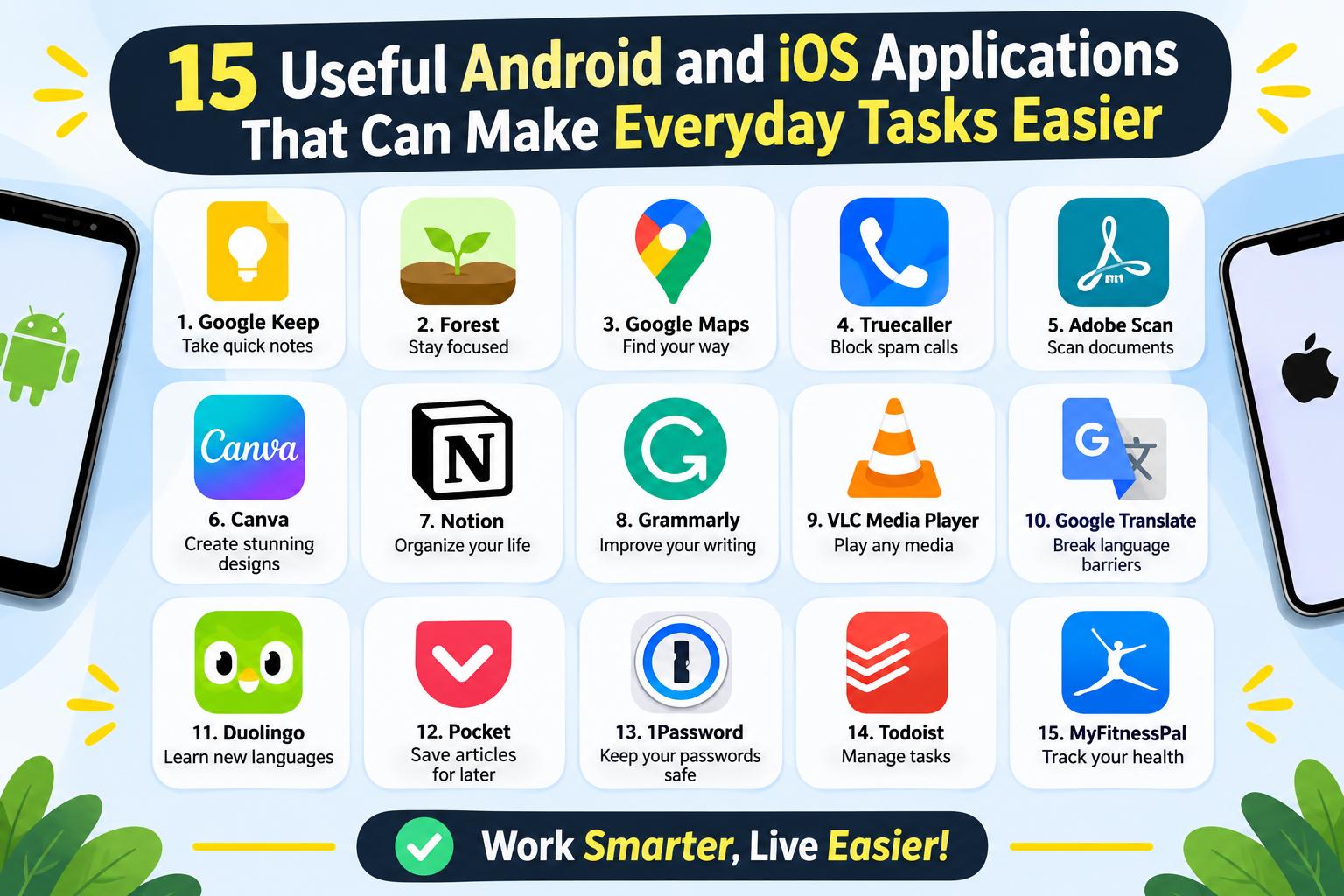
- 15 Useful Android and iOS Applications That Can Make Everyday Tasks Easier
-
 Health - 11:01:50pm 15-11-2026
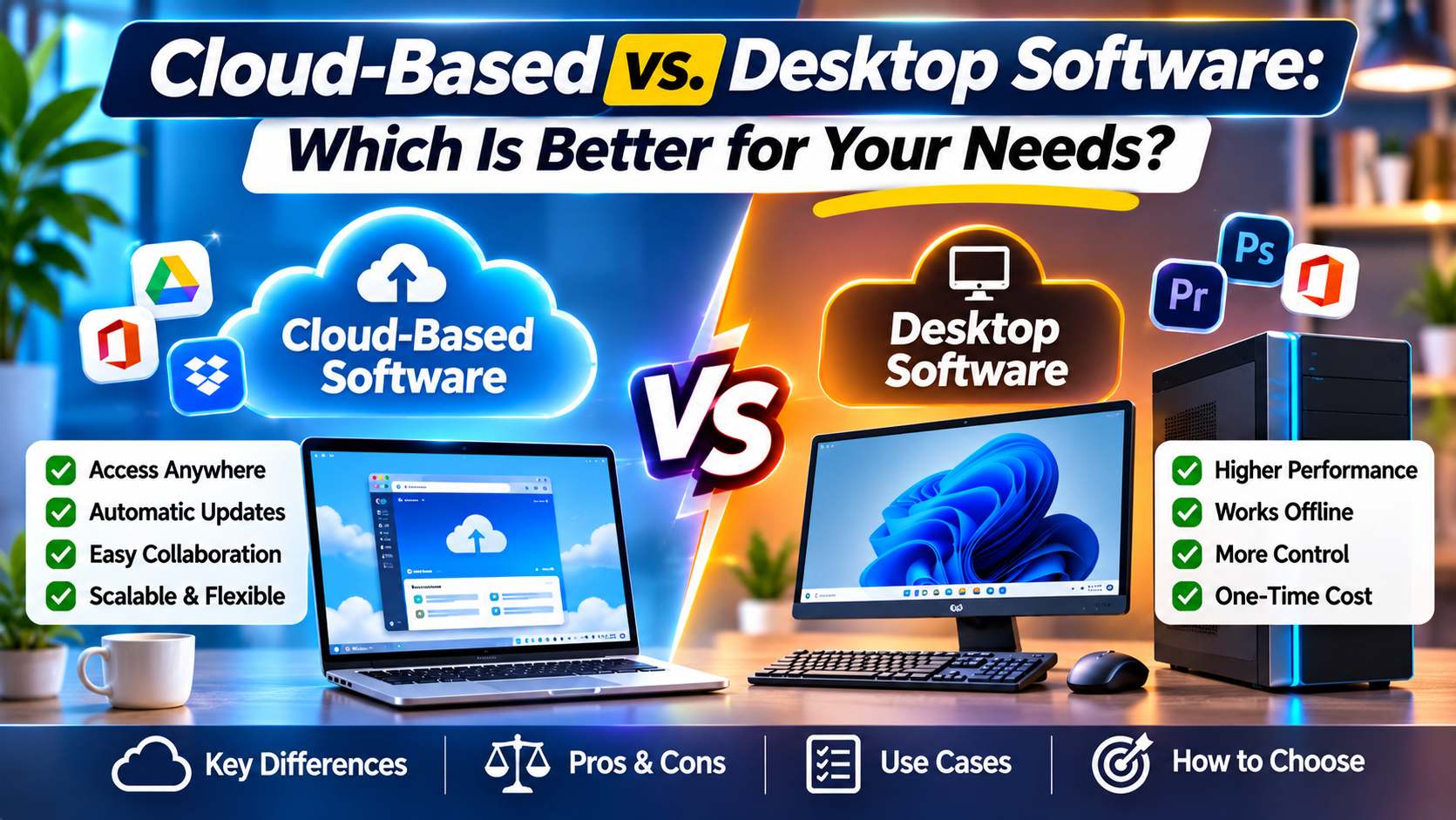
- Cloud-Based vs. Desktop Software: Which Is Better for Your Needs?
-
Health - 10:58:07pm 15-11-2026
-
 Blog
What Is the Best Cheap Car Insurance for Young Drivers
-
 Blog
Best Car Insurance for Electric Vehicles (EVs): Complete Guide for 2026
-
 Blog
Long Term Car Rental Discounts: The Complete Guide to Saving Big on Extended Rentals
-
 Blog
Health Insurance Exclusions: What to Check Before You Buy
-
 Blog
Health Insurance Waiting Period: What You Should Know Before Buying a Policy